Everything that matters on one screen
Customer data, call history, outcomes and buttons sit side by side. There is no switching windows in the middle of a call.

Customer data, call history, outcomes and buttons sit side by side. There is no switching windows in the middle of a call.
The agent creates callbacks during the call – personal or for the team. In mmDial Comfort they can afterwards be converted between the two and moved.
Where agents start and stop the recording themselves, mmDial displays clearly and visibly that recording is in progress.
If someone objects, the agent puts them on the blocklist with one click. They will not be dialled again after that.
If the main number cannot be reached, the agent can dial the alternative number held on file.
Send emails and documents straight from the call – personalised with the data from the order form if you wish.
A small help button sits beside the fields. It explains the setting on the spot – in the language of the interface.
If it turns out during the call that the name is misspelt or the address is out of date, the agent corrects it there and then. You decide per campaign which fields they may touch and whether the phone numbers are among them.
New
Every workstation used to need a configured SIP softphone. That is over: when signing in, the agent ticks Use integrated VoIP connection, allows the browser access to the microphone – done.
What it needs is a current browser with microphone access and a connection over HTTPS. If one of those is missing, the sign-in page says why.
The agent desk and the administration are available in German, English, Spanish, French, Dutch and Turkish. The language belongs to the user, not to the system – so different languages can run side by side within one team.
For call centres staffing across borders, that saves training people on a screen in a language they do not speak.
mmDial Comfort
Every client wants different fields. Instead of ordering a bespoke solution for each campaign, you assemble the form in the editor yourself – and change it when the requirement changes.
Alternatively you can embed an external form – then your existing system remains the leading source and mmDial only hands over the call data.
Whatever is captured in the order form is available in the export directly – together with the lead's master data. There is nothing to copy together.
Completed forms can also be output as a print job or sent as an email attachment.
Modules that go beyond standard business can be hooked into the agent desk – such as calendar views for appointment setting, guided decision lists, internal messages or time tracking.
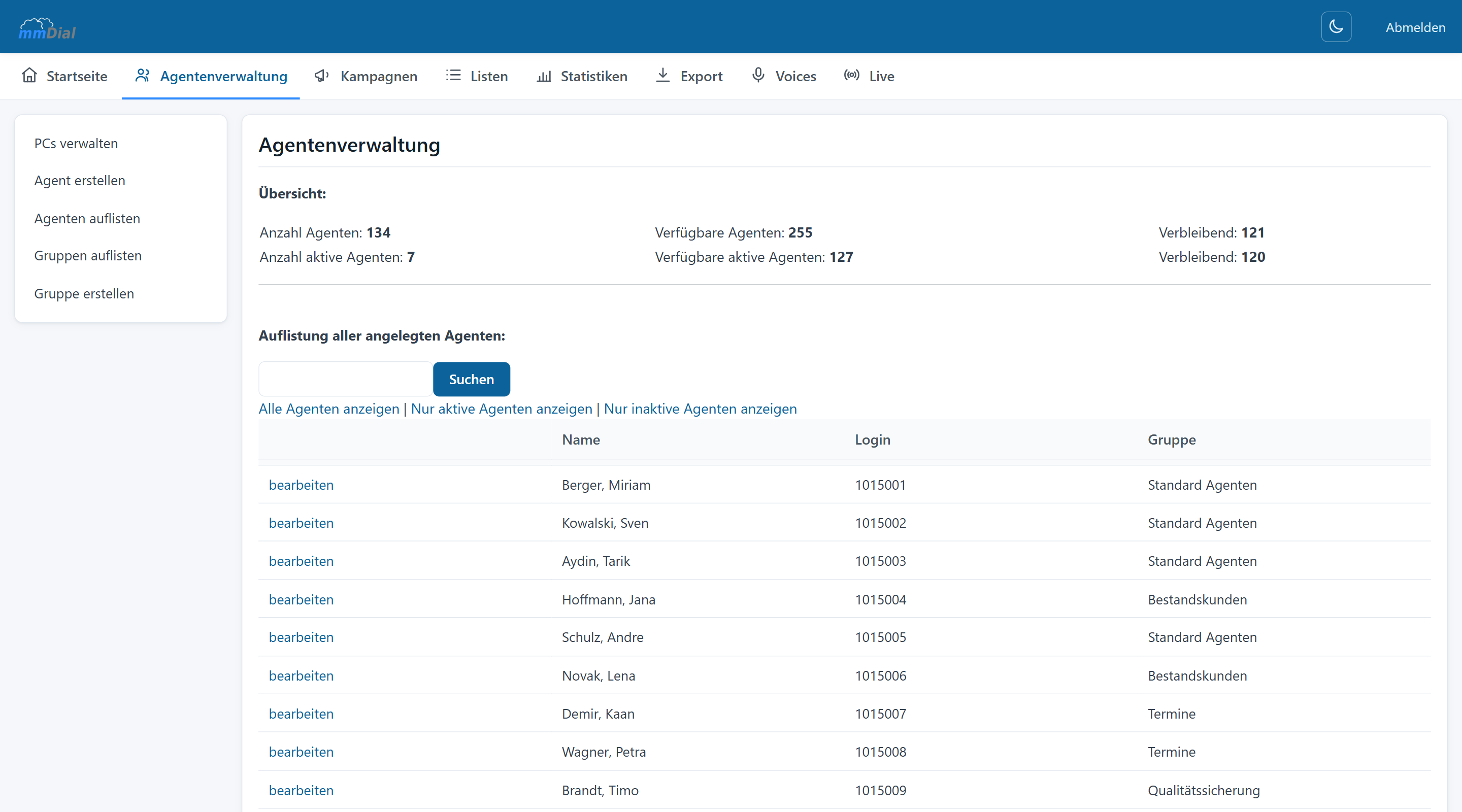
Every agent gets their own login. You decide which campaigns they see and what they are allowed to do.
Because the desk runs in the browser, it makes no technical difference which machine an agent signs in from – in the office or working from home.
Because the desk runs in the browser and the phone sits right inside it, it makes no technical difference whether the agent is in the office or at home. You see both in the same live monitoring.
Keep reading
Predictive, power and manual dialling, call outcomes, hotkeys, status transfer and do-not-call lists.
CSV import while you work, drag & drop field mapping, duplicate checks, list mixing and the filter builder.
Adjust the dial level live, watch ASR and abandon rate in real time, analyse down to five-minute intervals.
Incoming calls in the same interface, voice menus, queues, voicemail and priority routing.
Record per campaign or on the agent’s command, free file-naming schemes, search inside conversations.
One cookie – for your choice of language
This site sets no analytics or advertising cookies. If you agree, we remember only the language you picked. If you decline, it follows your browser setting again on every visit. More in our privacy notice