Calls and ASR over time
Curves across the day, broken down to 5-, 15- and 30-minute level in mmDial Comfort.

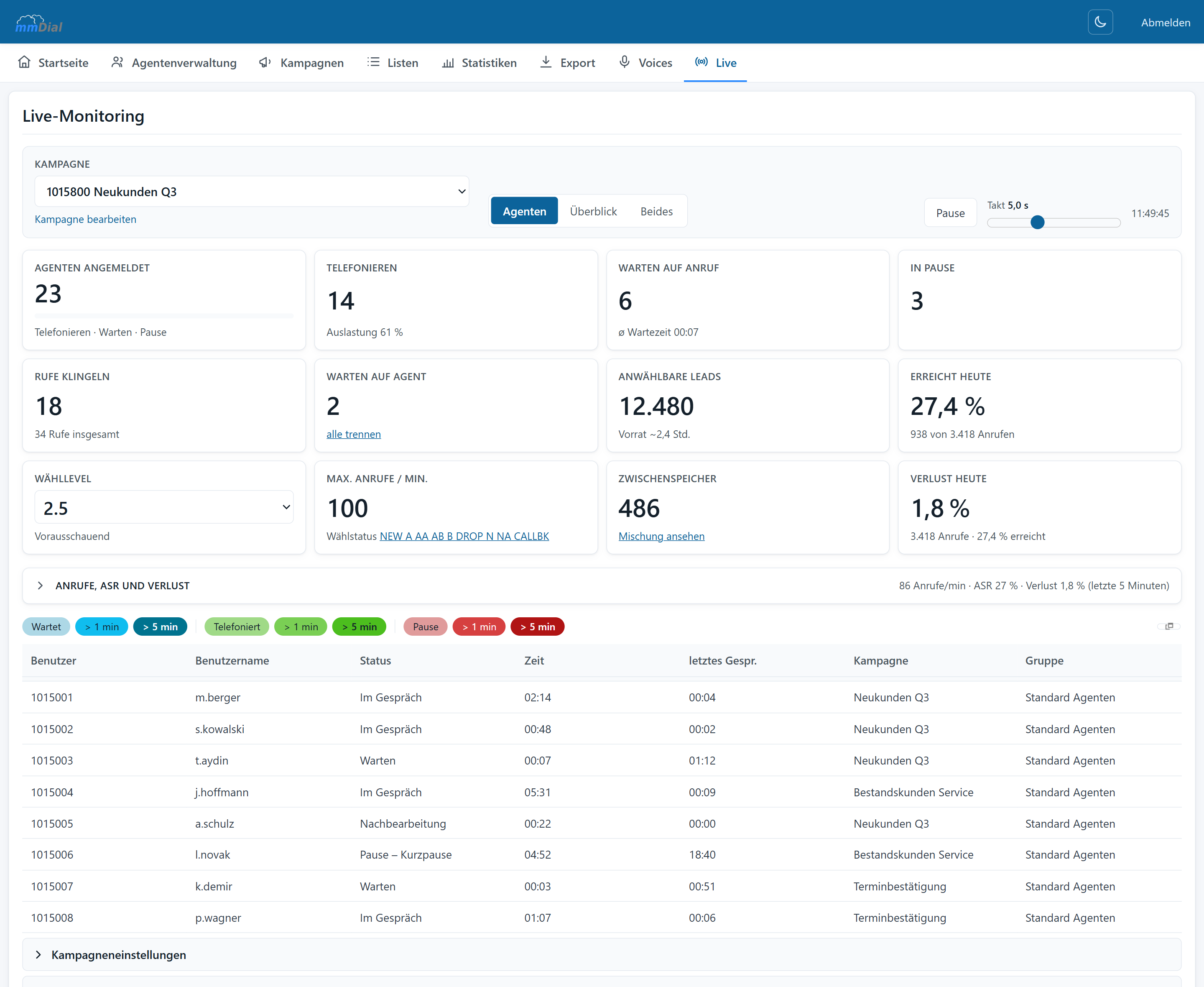
Screenshot from the application; the figures are example values.
While you are running
Afterwards
The reporting goes beyond bare call counts: you see how answer rate, call duration, breaks and sales developed over the day.
Curves across the day, broken down to 5-, 15- and 30-minute level in mmDial Comfort.
Number of calls, call duration, waiting time, sales and "not interested" – agents side by side.
Login times, break times and the reasons for them, both in absolute terms and as averages.
Distribution of call outcomes per campaign and list – the basis for judging the quality of your data.
Answered and lost incoming calls, waiting times and how they were distributed across the queues.
A campaign's key figures are saved overnight, before the change of day resets them. So tomorrow you can still look up how yesterday went.
All twenty-four hours of a day side by side: calls, how many connected, who held the conversation – agent or AI – abandons and call time. A second day can be put alongside for comparison, and the busiest hour is named at the top.
Outbound channels used today and yesterday – useful for spotting bottlenecks before they become a nuisance.
Reports can be downloaded as a file and processed further. For recurring reports we set up fixed templates in mmDial Comfort on request.
Keep reading
Predictive, power and manual dialling, call outcomes, hotkeys, status transfer and do-not-call lists.
CSV import while you work, drag & drop field mapping, duplicate checks, list mixing and the filter builder.
Browser-based workspace, form designer, callbacks, break reasons and permissions.
Incoming calls in the same interface, voice menus, queues, voicemail and priority routing.
Record per campaign or on the agent’s command, free file-naming schemes, search inside conversations.
One cookie – for your choice of language
This site sets no analytics or advertising cookies. If you agree, we remember only the language you picked. If you decline, it follows your browser setting again on every visit. More in our privacy notice