Rotate lists
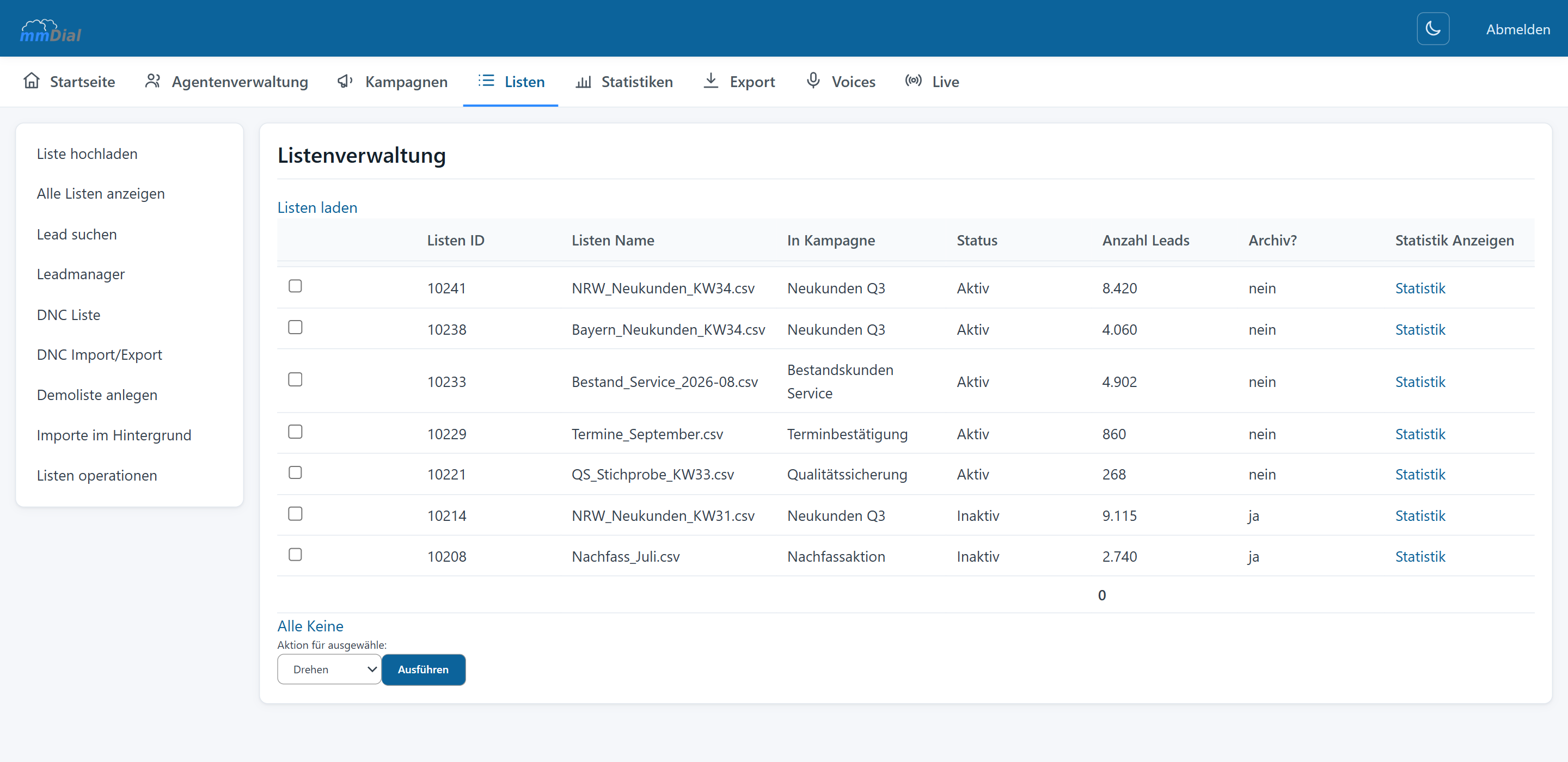
Put customers you did not reach back into dialling – deliberately and traceably, including a display of how many have been called since the last rotation.

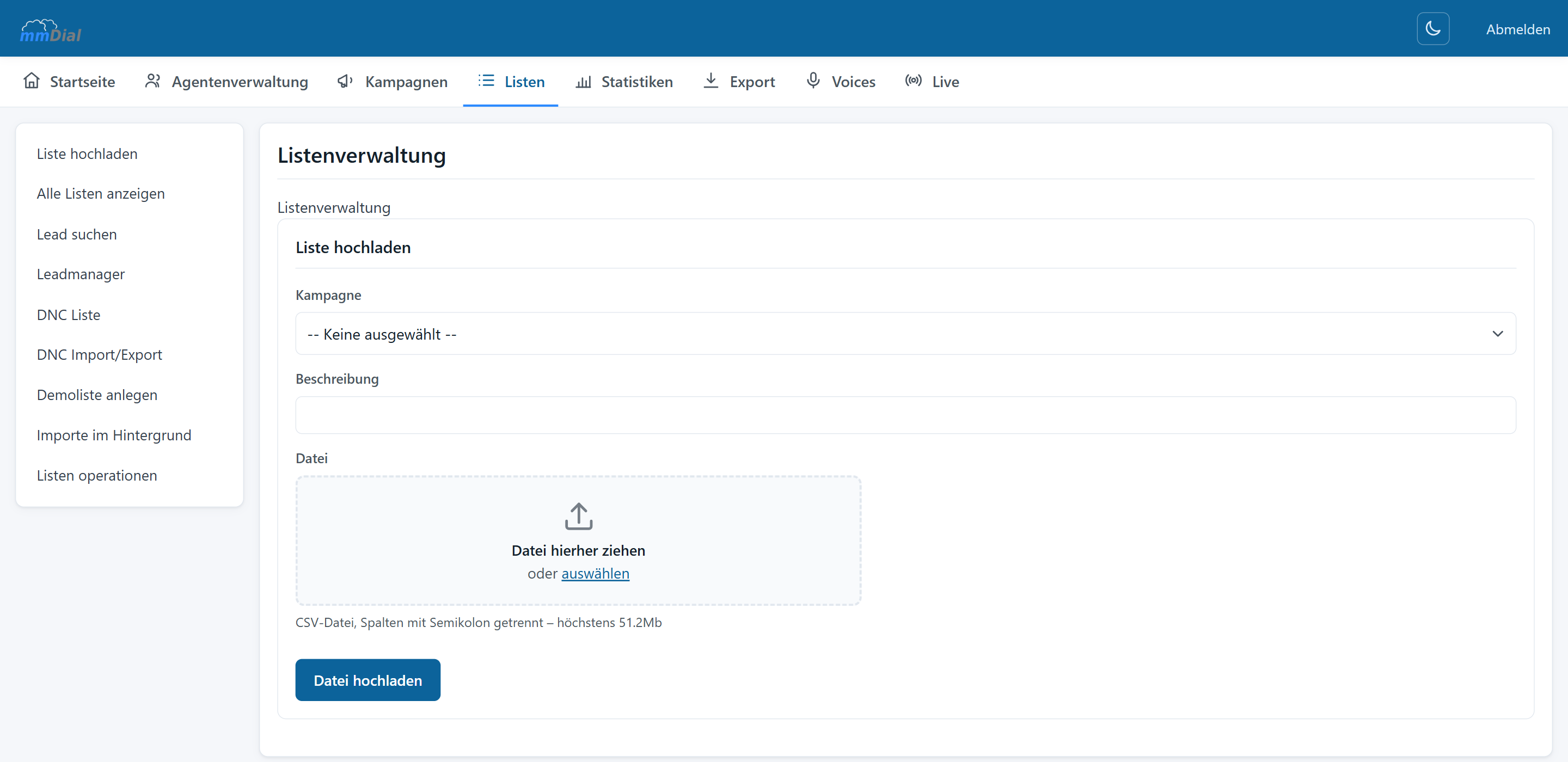
You upload your CSV file and see a preview straight away. The columns of your file are dragged and dropped onto the fields in mmDial – phone number, first name, surname, street, postcode, town, date of birth, company name, external lead ID and more. You only have to do the mapping once.
Looking after the stock
Records are expensive. mmDial hands you the tools to get more out of the same stock instead of buying new data.
Put customers you did not reach back into dialling – deliberately and traceably, including a display of how many have been called since the last rotation.
For each list you see how the outcomes are distributed: reached, not reached, answering machine, sale. That way you spot a bad batch early.
Finished lists move to the archive and remain available for reporting without cluttering the working area.
Click together the rules by which leads are fed in – by town, postcode, date of birth, status, salutation or your own fields.
Blend several lists proportionally or at random and decide the order – for example "one list after another" in rotation.
Enrich your stock: by phone number, lead ID, external lead ID or any lead field you like, including via lookup tables.
On export you decide which fields go along and in which order. In mmDial Comfort you drag the fields into place, combine master data with the data from the order form and save the whole thing as a template – next time one click is enough.
Keep reading
Predictive, power and manual dialling, call outcomes, hotkeys, status transfer and do-not-call lists.
Browser-based workspace, form designer, callbacks, break reasons and permissions.
Adjust the dial level live, watch ASR and abandon rate in real time, analyse down to five-minute intervals.
Incoming calls in the same interface, voice menus, queues, voicemail and priority routing.
Record per campaign or on the agent’s command, free file-naming schemes, search inside conversations.
One cookie – for your choice of language
This site sets no analytics or advertising cookies. If you agree, we remember only the language you picked. If you decline, it follows your browser setting again on every visit. More in our privacy notice